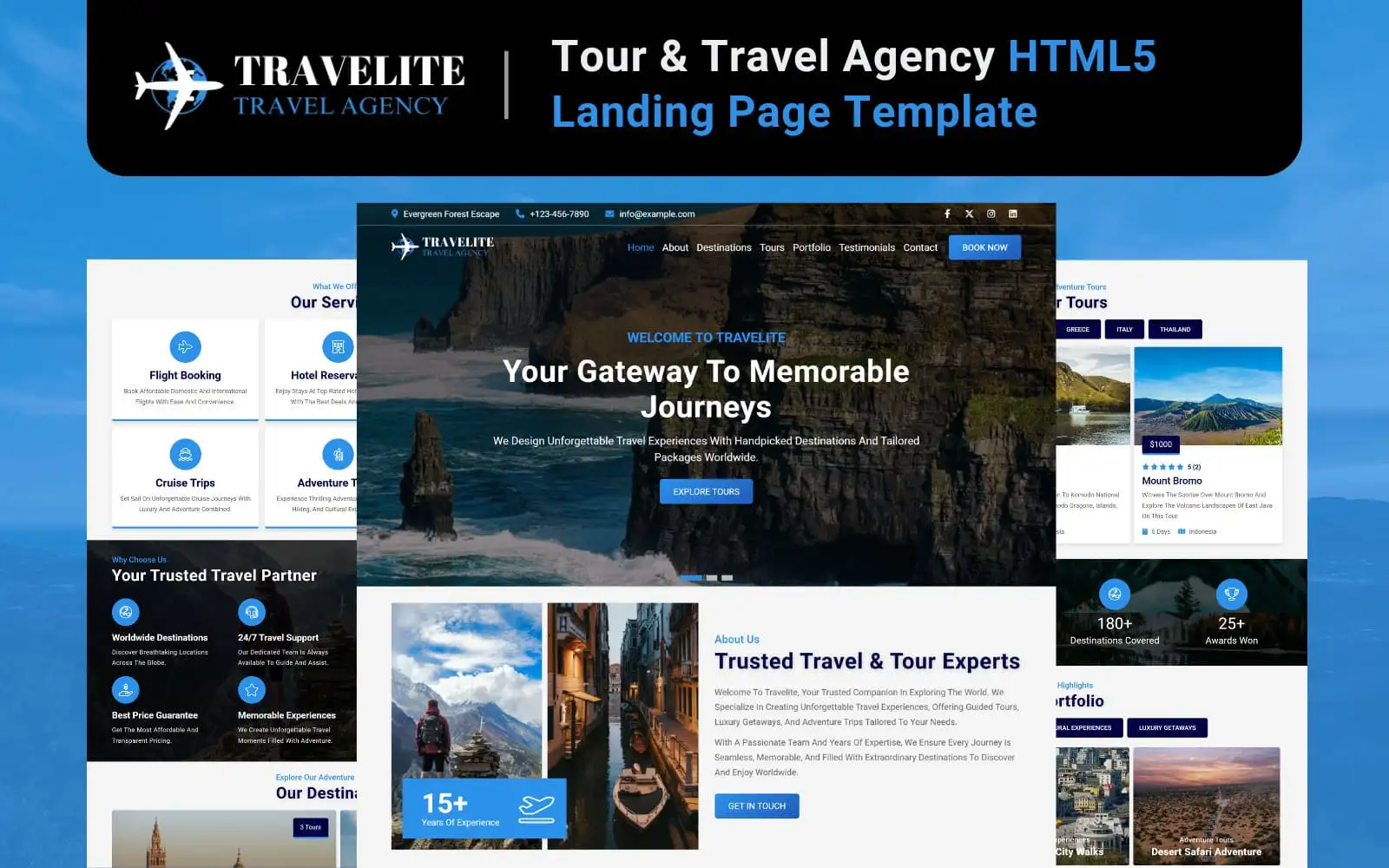
Travelite - Tour & Travel Booking HTML5 Landing Page Template
$12
Aquadive is a one-page website template for dive shops. If you run a dive center, lead boat trips, or rent out wetsuits and regulators, it gives you a site that's ready to go.
Aquadive is a one-page website template for dive shops. If you run a dive center, lead boat trips, or rent out wetsuits and regulators, it gives you a site that’s ready to go.
It’s plain HTML, CSS and JavaScript. No frameworks, no build step. Open the files, swap in your own photos and prices, upload. Done. It works on phones too, which matters, because half your customers will be checking it from a beach chair.
Most people who land on a dive site want the same few things. Where can I dive? How much? How do I book? So that’s what’s on the page: your courses, your tours, your price list, and a booking form plus a contact form that actually send messages.
No plugins to install and nothing to learn first. If you can edit a text file, you can run this.
A scuba diving or snorkeling center
A dive school offering certification courses
An underwater tour and excursion operator
An eco-dive or marine exploration group
A dive gear rental and service provider
Users choose a tour, excursion or fun dive and fill in some basic information. This information is sent to your inbox.
Technology: PHPMailer (Basic Authentication)For the "how much is the course?" and "are you running trips on Sunday?" kind of questions.
Technology: PHPMailer (Basic Authentication)Collect emails to send out helpful dive tips, seasonal offers and information about upcoming trips.
Technology: PHPMailer (Basic Authentication)All forms use PHPMailer with Basic Authentication (Username & App Password).
Aquadive starts with the phone. Most people plan a dive trip on their phone, so the layout is built for a small screen first and stretches up from there. Menus, sliders, galleries, and forms all work with a thumb, and nobody has to pinch or zoom just to book a dive. It also runs fine in all major modern browsers.
You don't need to be a developer to use Aquadive. The code is tidy, there are comments all through it, and the docs go step by step.
Customize the colors, fonts and sections so that it looks just like your brand website.
Complete HTML template files
Documentation for setup and customization
Not really. If you can open a file and type over some words, you are set. Your text, photos and prices are all in there, and the documentation takes you through it one step at a time.
Yes. Scuba is the default, but the page doesn't care what you take people out to do. Snorkeling, boat tours, night dives, kayak trips, swap in whatever you offer.
A guest fills one out, and PHP with PHPMailer sends it to the email address you set up. It lands in your inbox like any other message.
You will need a hosting provider that can run PHP, a plain static hosting will display the form but no emails will be sent.
Yes. If you do not sell rentals, delete the rentals block. If you had rather lead with pricing, move it up. Every section is self contained, so taking one out will not mess up the others.
Yes! Everything is designed around your Mobile Phone Screen, with the design scaling up for tablets and desktops. So there's no need to pinch or zoom in.
Yes. There are guides for setting it up and for changing it to fit your shop.
The full set of template files, plus the documentation to get you started.